Weekly Performance Reports
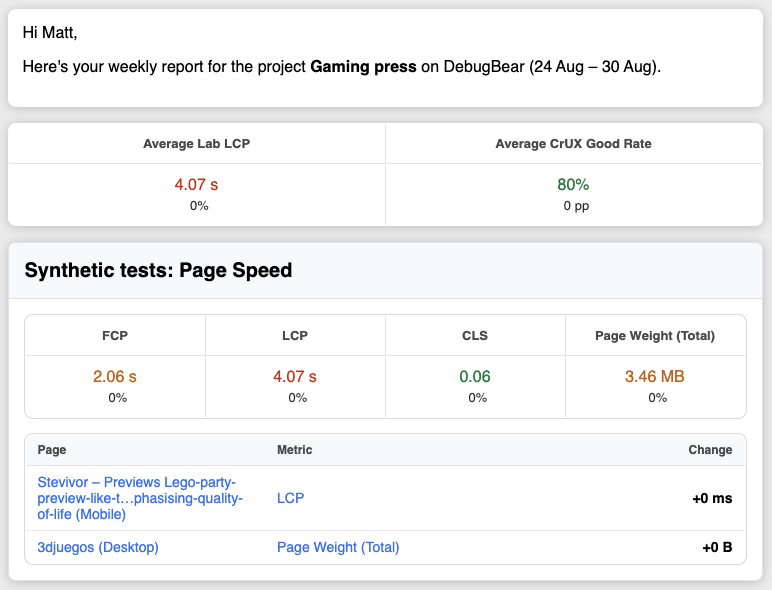
DebugBear can send weekly summaries of your page speed tests, real user data, and uptime checks.
Subscribing to weekly emails
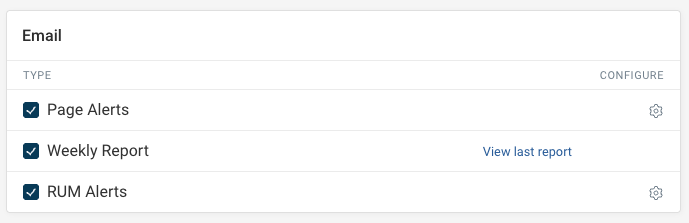
You can subscribe to weekly email summaries in the project Integrations tab.
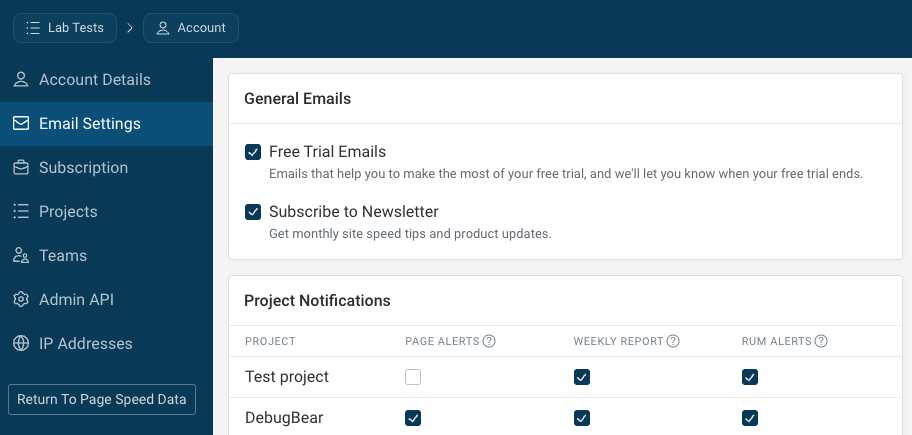
Alternatively, enter your account settings and select Email Settings.
Getting the weekly report in Slack or Microsoft Teams
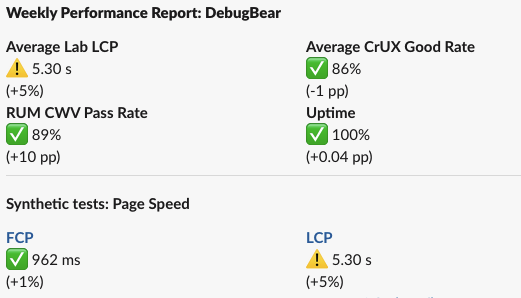
The weekly report can also be posted to a Slack or Microsoft Teams channel. The message contains the same summary as the email report.
To set this up:
- Open the project Integrations tab
- Connect Slack or Microsoft Teams if you haven't already
- Click Add Notification Trigger
- Select the channel you want the report posted to
- Choose Weekly Report as the notification type