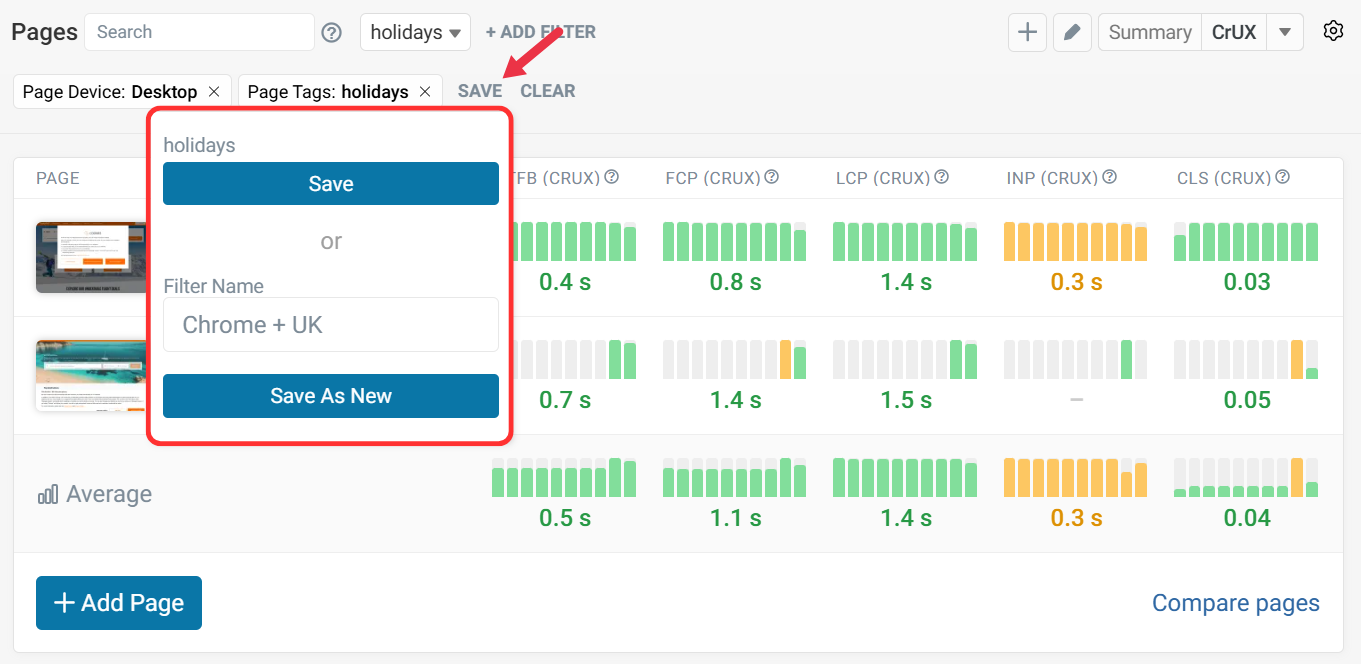
Saved Page Filters
Saved Filters allow you to easily organize and view pages in your dashboard.
Selecting Filters
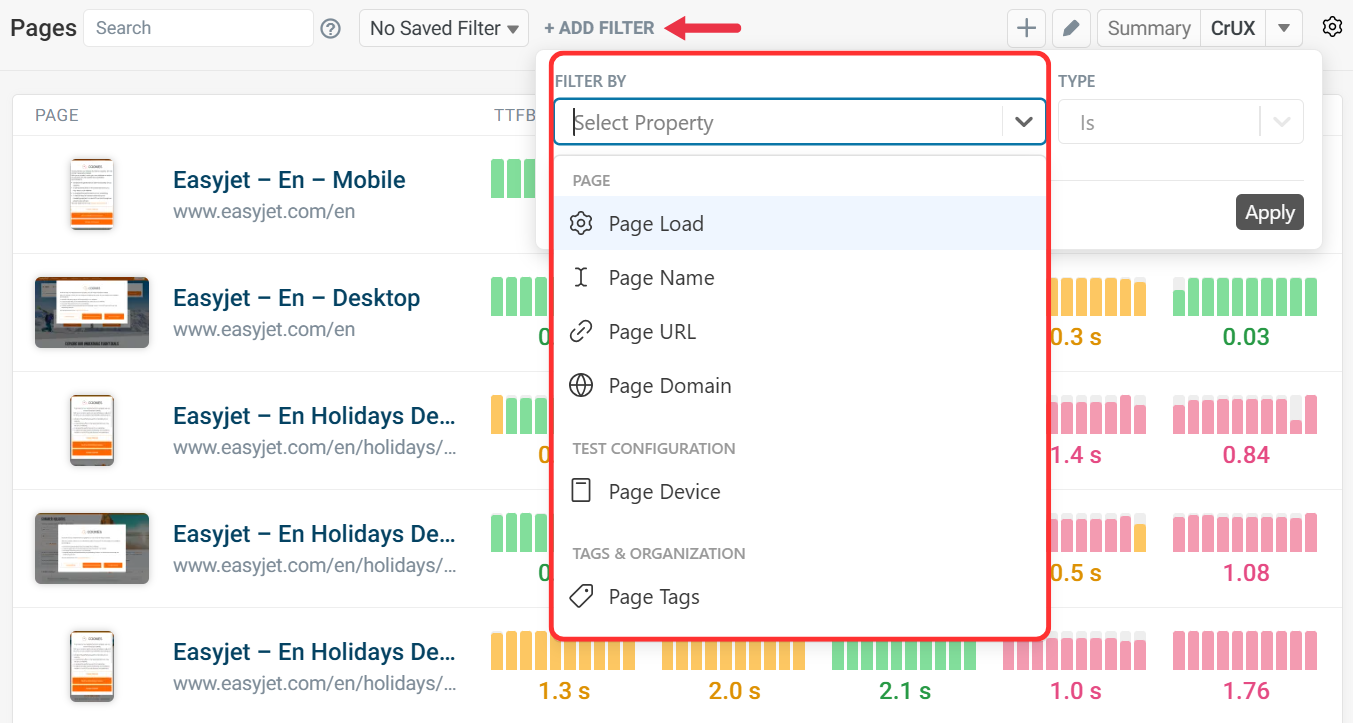
From your dashboard, click Add Filter to show the filter options.
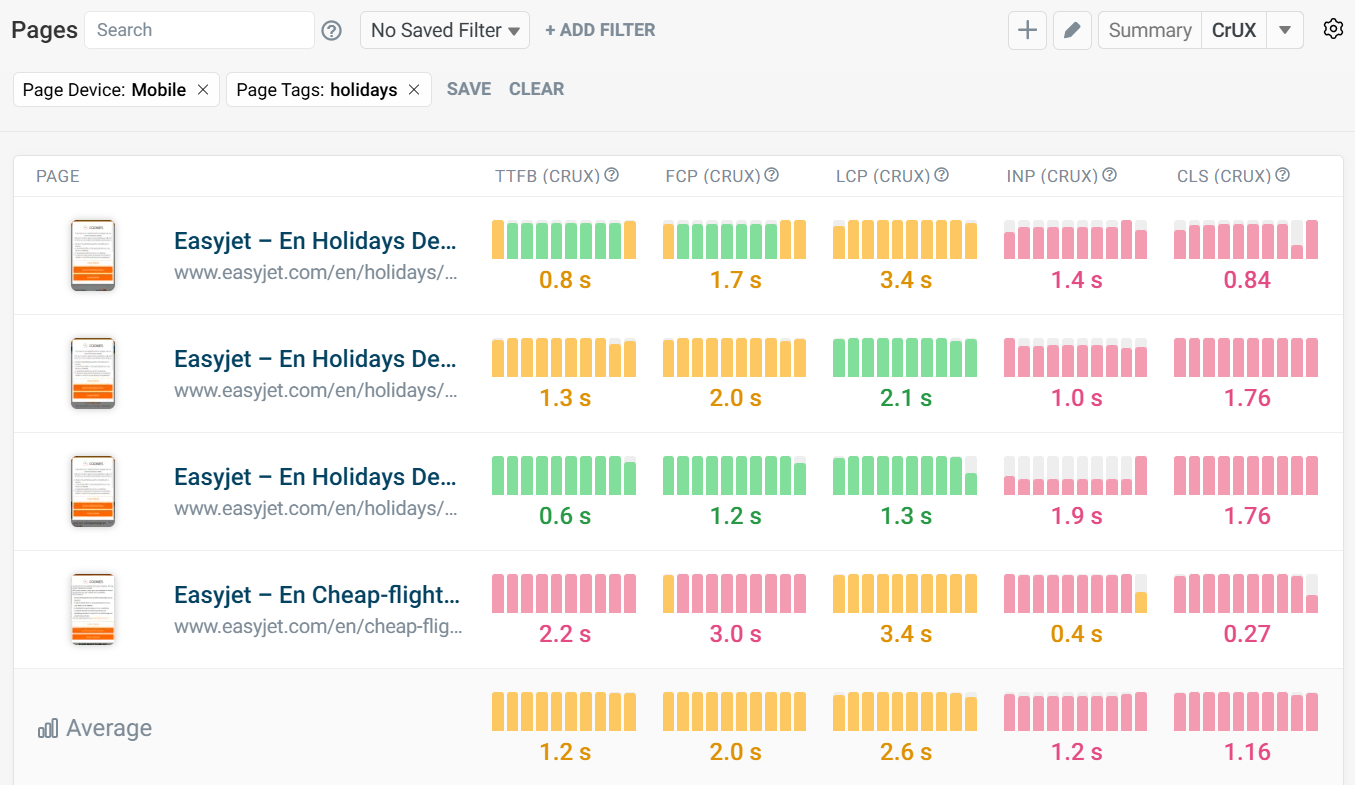
In this example, we have selected the holidays tag and Mobile devices.
Saving Filter Options
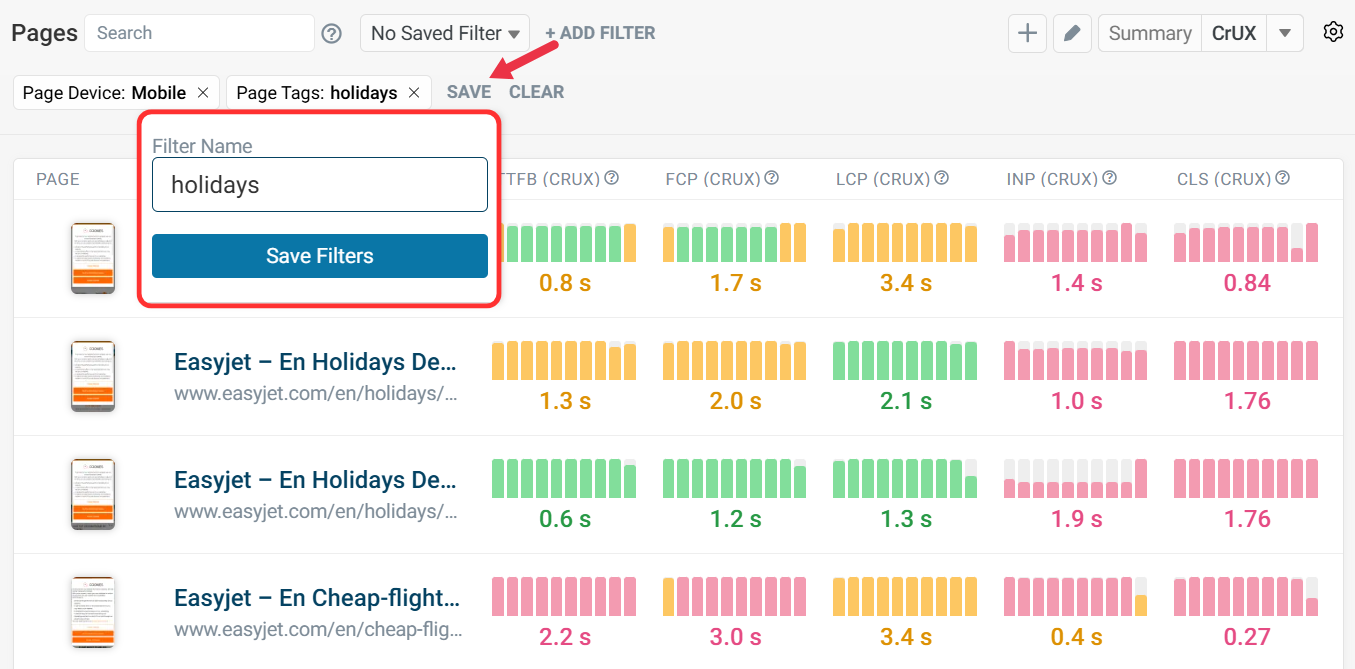
Once you have made your selections, click Save. Then name your filter and click Save Filters. Your filter is now saved and is available for selection from your dashboard.
Updating Filters
To update your filter, click No Saved Filter and select the filter you want to update from the dropdown.
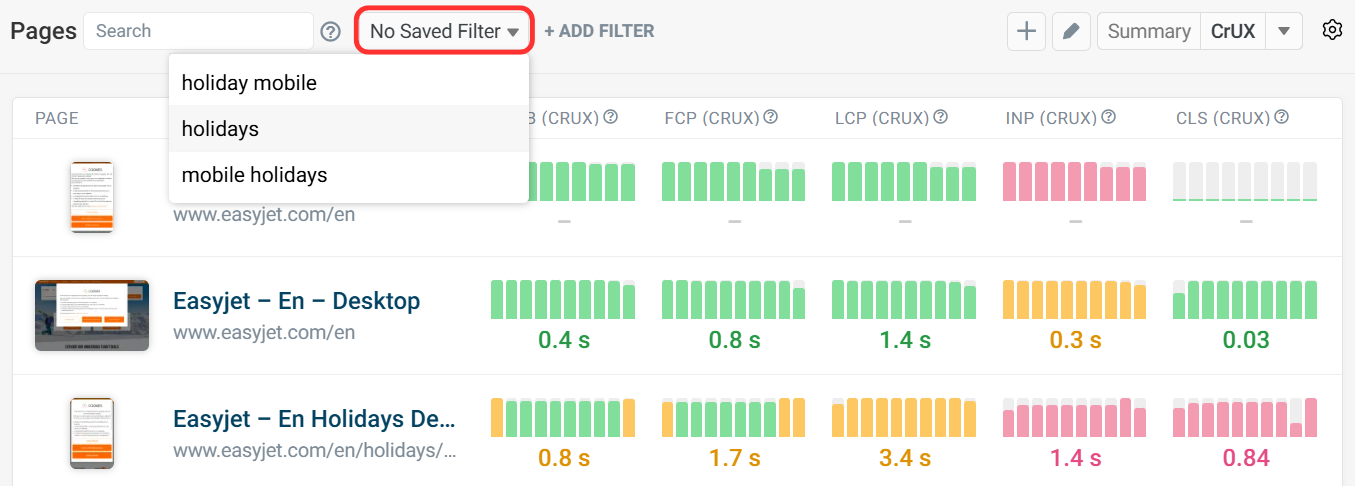
Once selected, click the filter you want to change. Or add further filters by clicking Add Filter. In this example, we have switched Device from Mobile to Desktop. Then click Apply to make the change.
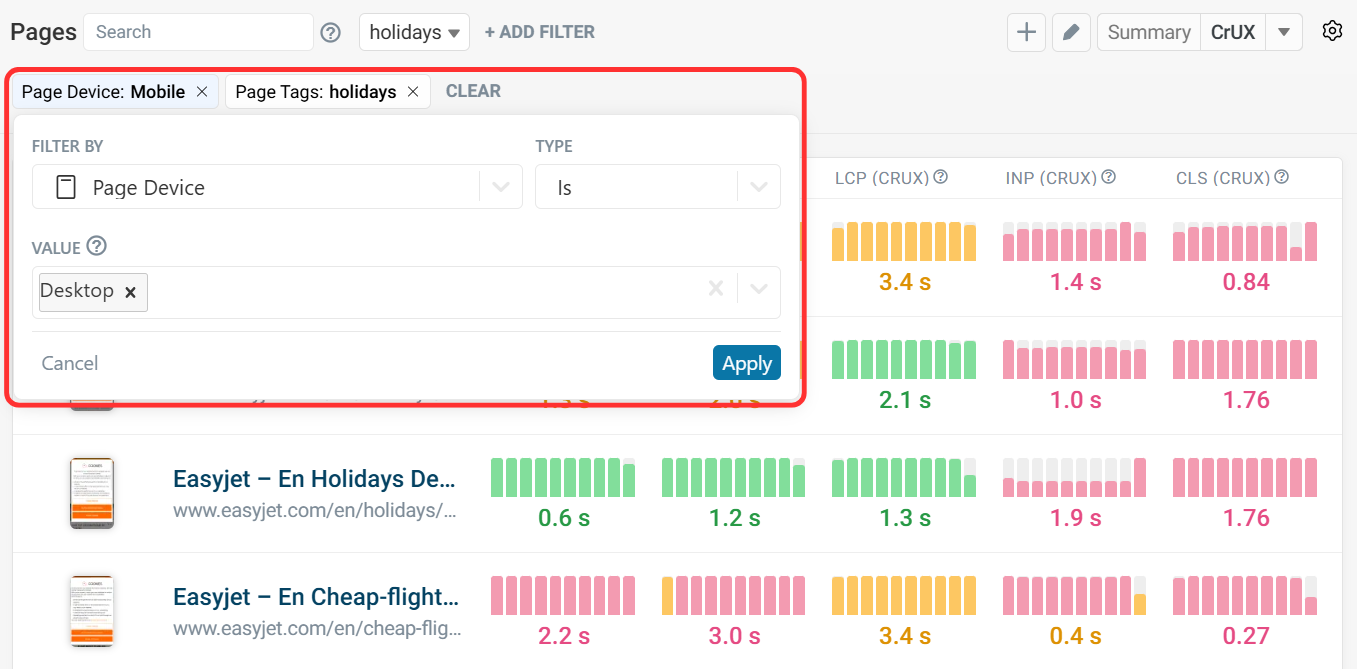
After finalizing the changes, click Save. Clicking Save As New will present the option to name and save a new filter group from your current selections.