


Improve Interaction to Next Paint
Test INP on your website and identify UI elements that cause slow interactions

Fix Interaction To Next Paint
Debug Interaction To Next Paint problems
INP measures how quickly your website responds to user input. For example, when a visitor clicks a button INP tells you how soon after the interaction the page updated visually.
What does the INP Debugger do?
Most lab tools like PageSpeed Insights don't simulate interactions with the page. Our INP checker automatically interacts with page elements and reports the interaction delay in milliseconds.
Test Interaction to Next Paint
See what interaction delays real Chrome users experience on your website.
➔ Learn More About INP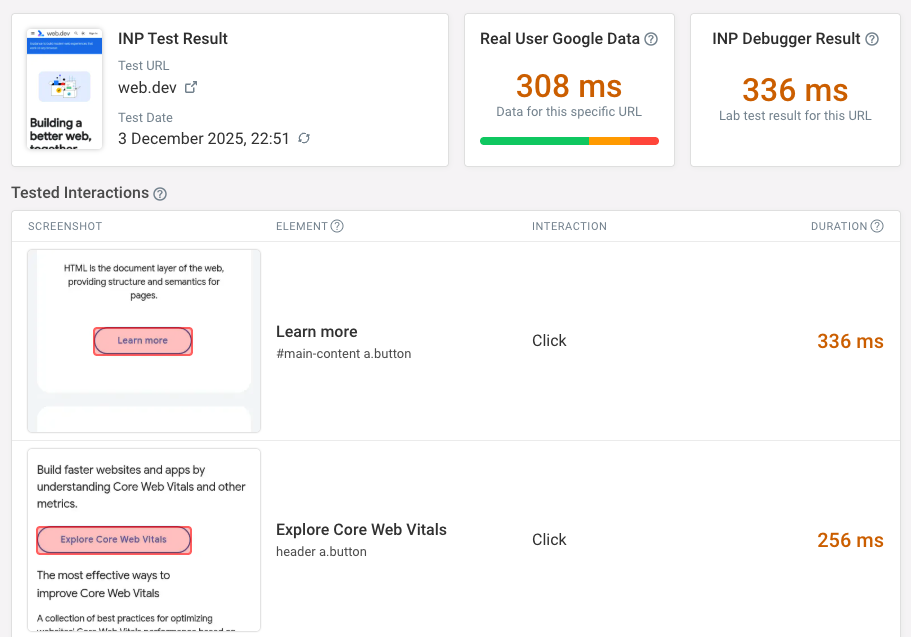
INP became a Core Web Vitals metric in March 2024
What are Core Web Vitals?
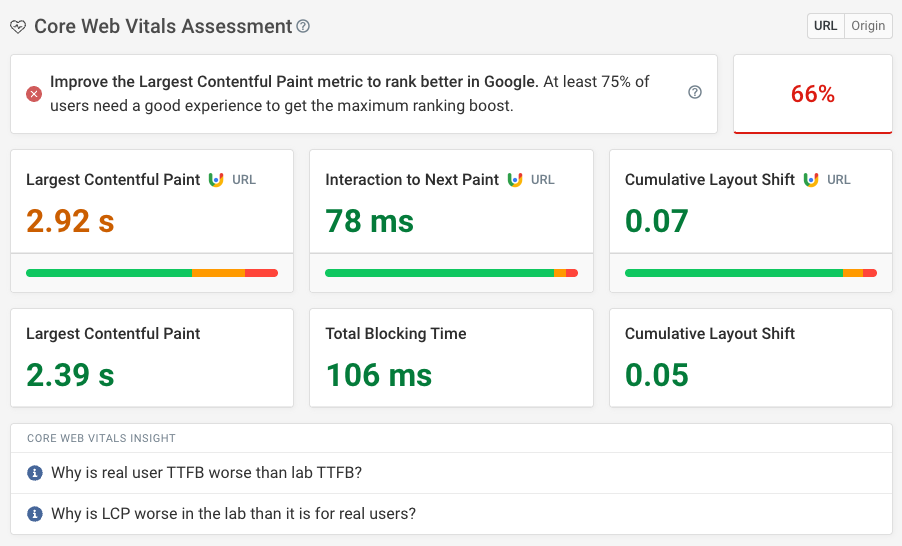
The Core Web Vitals are a set of three user experience metrics that Google uses as a ranking signal.
INP has replaced First Input Delay
Google replaced the old First Input Delay (FID) metric with Interaction to Next Paint in March 2024.
Measure Interaction to Next Paint
Our INP tester reports both real user data from Google and INP data from our custom lab test.
Track and optimize INP
Measure INP across your whole website
DebugBear real user monitoring (RUM) can report INP issues across your whole website and helps you identify what pages to optimize first.
Prioritize the most important interactions
DebugBear RUM tells you what page elements were most commonly interacted with and how long each interaction took.
Keep track of Google's CrUX data
DebugBear not only provides its own monitoring but also keeps track of Google data that impacts rankings.
➔ Start Monitoring My Website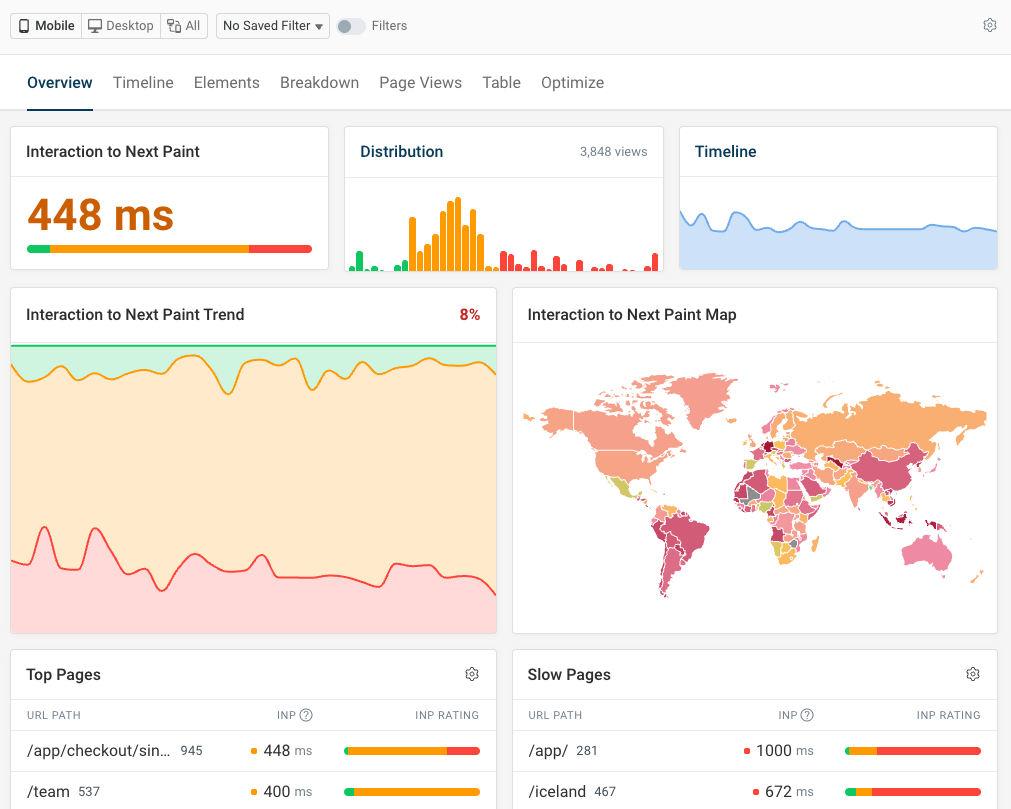
INP script attribution
See what scripts delay interactions
Find out what scripts most often cause delays and inspect specific page views to see exactly what code ran during an interaction.
Analyze why code is running
Check if delays come from script initialization, background tasks, global handlers, or element-specific logic.
Get context for slow interactions
See network requests, user timing metrics, and user input that's related to slow updates on the page.
➔ Learn more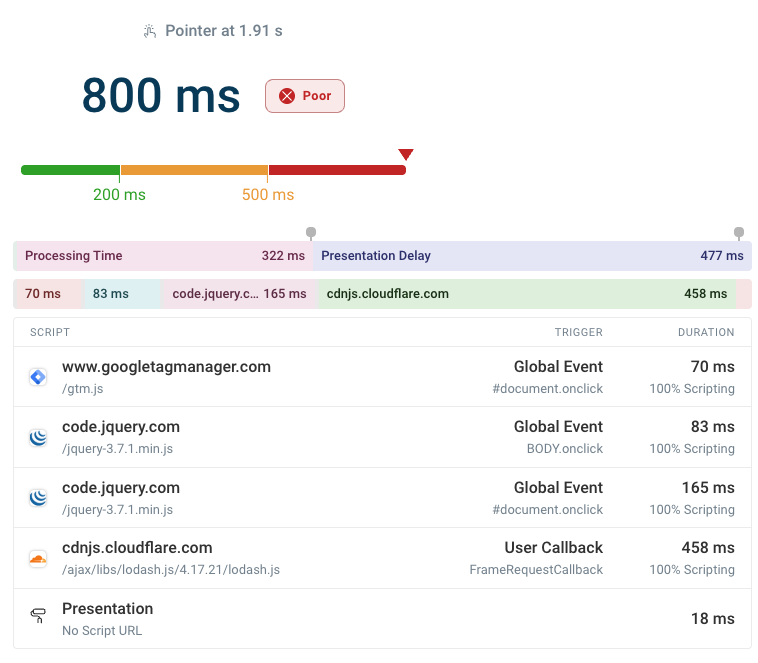




Monitor Interaction to Next Paint Over Time
You are using an old browser that is not supported anymore. You can continue using the site, but some things might not work as expected.